See dress possibilities
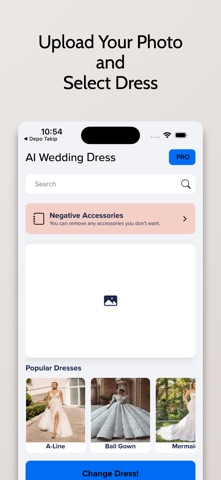
Use a photo to explore AI-generated gown ideas and style suggestions before making a boutique shortlist.
 AI WeddingApp Store
Wedding planning and dress inspiration
Bring tasks, expenses and guest replies into a clearer planning routine. Explore AI dress previews as conversation starters, not promises of fit.
Some features may require an in-app purchase or subscription. Check the App Store for current availability and pricing.
Inside the app
Use a photo to explore AI-generated gown ideas and style suggestions before making a boutique shortlist.
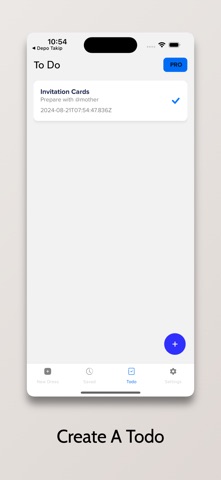
Use a customizable checklist, reminders and a wedding countdown to keep the next decision visible.
Track wedding expenses alongside invitations, attendance replies and meal preferences.
AI Wedding
Agree on your main priorities, approximate guest count and spending boundary before collecting ideas.
Add tasks, expenses and guest details, then update them as real information arrives.
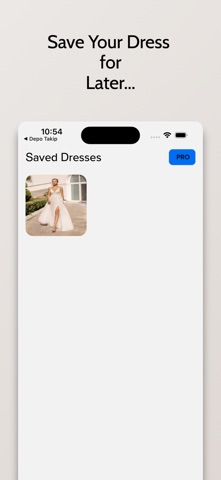
Use dress previews to discuss shapes and details with a boutique; confirm fit and materials in person.
AI Wedding
Separate estimates, commitments and payments so new decisions do not hide old obligations.
Read the guideTrack individuals, households and unanswered questions without turning your guest list into a confusing message archive.
Read the guideUse visual references to ask better questions about shape, movement and real garments.
Read the guideTurn a long planning history into a short, usable plan for the people helping on the day.
Read the guideAI previews and style suggestions are illustrative, not fit assessments or objective judgments of appearance. Planning records do not replace supplier confirmations. Feature access and any paid options depend on current in-app terms.
Wedding planning and dress inspiration